Woodworkers and joiners planning a cut list before a shopping trip who want to know exactly how many boards to buy, not a rough guess.
How it works
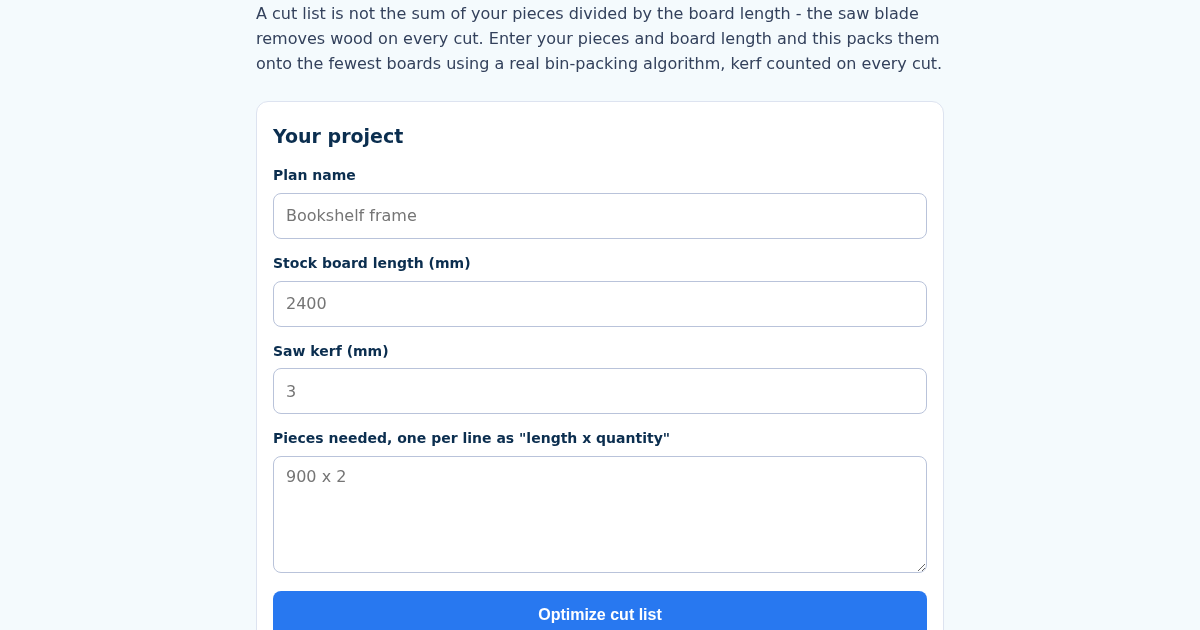
- Name this plan, e.g. "Bookshelf frame".
- Enter your stock board length and saw kerf in millimetres.
- List the pieces you need, one per line as "length x quantity", e.g. "900 x 2".
- Get the number of boards to buy and the exact cutting plan for each one.
What you gain
- First-Fit Decreasing bin-packing - a real cutting-stock algorithm, not a rough estimate - decides how many boards to buy and what to cut from each one
- Saw kerf (blade width) is counted between every cut on a board, not just subtracted once at the end - the classic mistake that makes a plan come up short on wood
- Shows the exact cutting plan per board and the leftover offcut length on each one
- Rejects any piece longer than the stock board length outright, before it wastes a shopping trip
Screenshot
Technical details
How to set up & use
- Buy the license — your key (lic_...) appears on the order page and in your email.
- Sign in at app.synoriaai.com with your license key.
- No installation — the product runs in your browser, on your own isolated instance.
- 1. Open the CutList page and enter a name for your plan, like 'Bookshelf frame'.
- 2. Fill in your stock board length (e.g., 2400 mm) and the saw kerf width (e.g., 3 mm).
- 3. List the pieces you need, one per line with length and quantity, like '900 x 2' for two 900 mm pieces.
- 4. Click the 'Calculate' button to see the number of boards needed, the cutting plan per board, and leftover offcuts.
- 5. Save your plan by name; recalculating updates the same plan instead of creating a duplicate.
Frequently asked questions
How does the tool handle saw kerf in my cuts?
The saw kerf (blade width) is added between every cut on a board, not just once at the end. This ensures your plan accounts for material lost to each cut, so you don't run short.
What happens if I enter a piece longer than my stock board?
The tool rejects any piece that exceeds the stock board length before calculating, so you know immediately that such a piece won't fit and can adjust your inputs.
Is my plan data safe or stored anywhere?
Plans are saved locally by name in your browser for convenience. No data is sent to servers, and you can delete or overwrite plans as needed.
Related products
BiayaBahan: Indonesian Restaurant Ingredient Cost Calculator
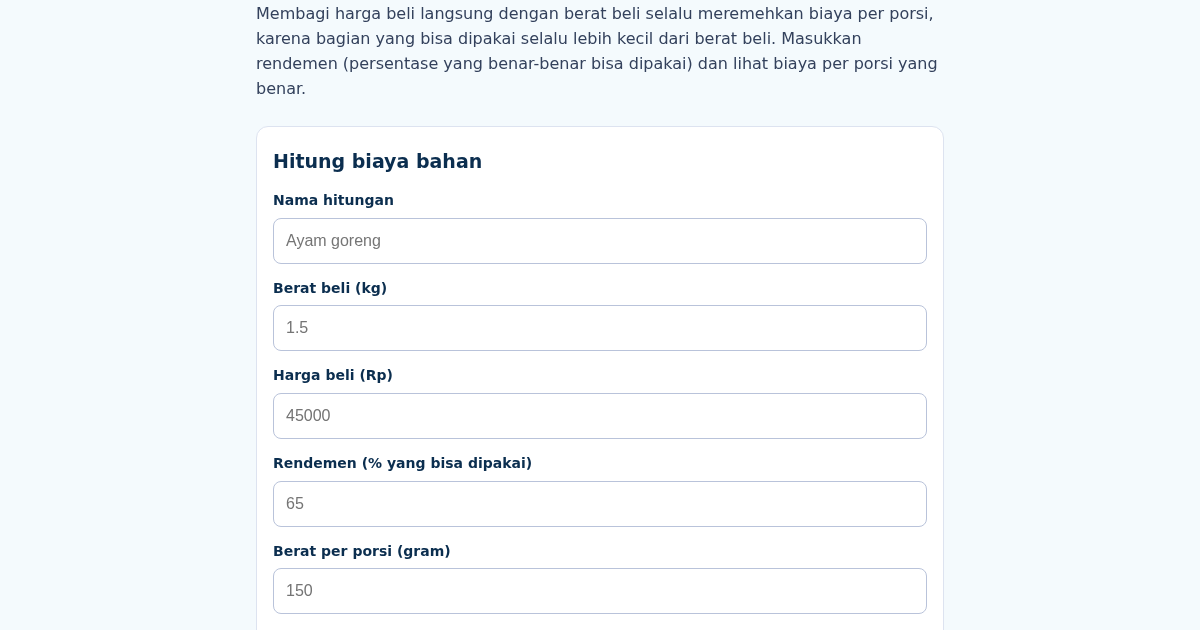
Membagi harga beli langsung dengan berat beli selalu meremehkan biaya per porsi, karena bagian yang bisa dipakai (setelah tulang, kulit, atau kupasan dibuang) selalu lebih kecil dari berat beli. Masukkan berat beli,…
BiayaBahan: Indonesian Restaurant Ingredient Cost Calculator
Membagi harga beli langsung dengan berat beli selalu meremehkan biaya per porsi, karena bagian yang bisa dipakai (setelah tulang, kulit, atau kupasan dibuang) selalu lebih kecil dari berat beli. Masukkan berat beli,…
The Clock Does Not Reset
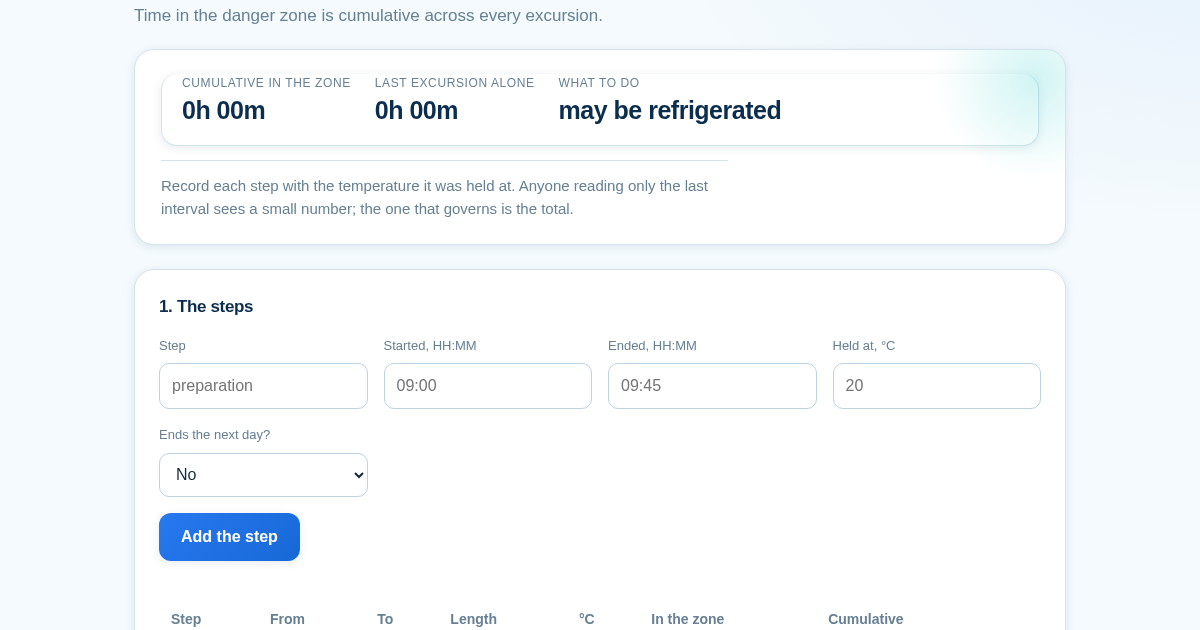
Time in the temperature danger zone is cumulative, and the fridge does not clear it. A tray prepared for 45 minutes at 20°C, refrigerated, displayed for 80 minutes at 15°C, refrigerated again, then served for 30 minutes…
Gauge & Yarn: what your swatch actually says
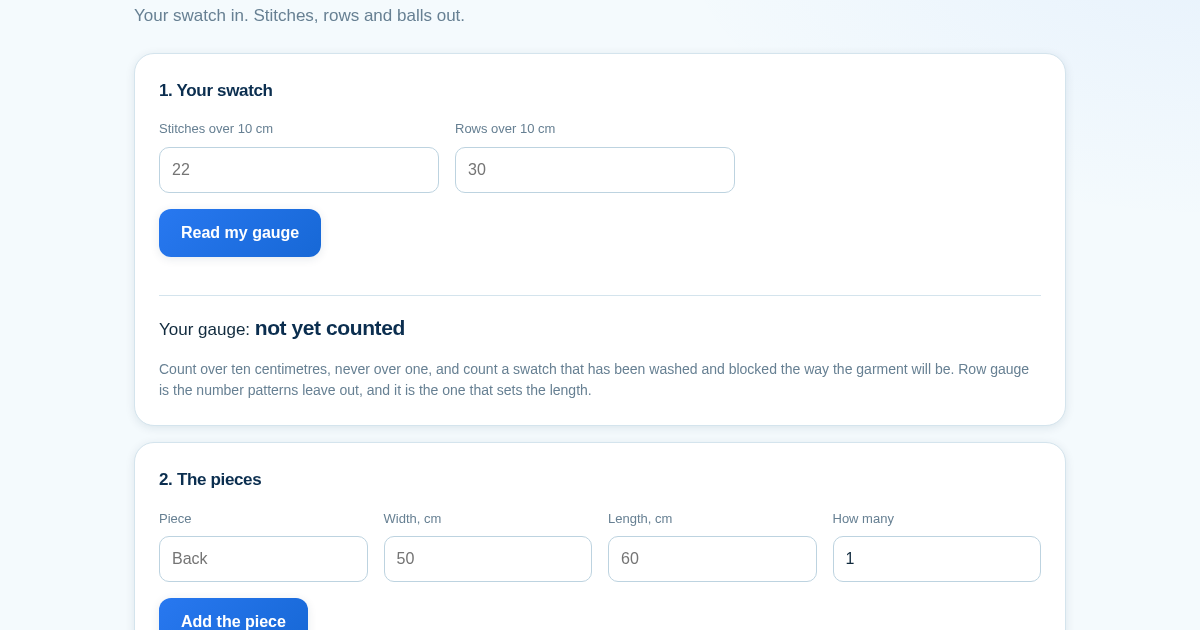
A pattern's stitch count is not the garment - the gauge is. Cast on a pattern's 100 stitches for a 50 cm back when it assumed 20 sts/10 cm and you knit at 22, and the piece comes out 45.5 cm: 4.5 cm narrower, 9 per cent…